Install
Download. Install in a minute.
Download the agent and install it over SSH — one command. Everything stays on the router.
Install
Enable SSH first. GL.iNet routers ship with SSH off: in the router admin panel (http://192.168.8.1) finish the setup wizard, set the admin password, then enable SSH under System → Advanced Settings — the root password equals the admin password. Until then, port 22 refuses connections.
SSH into the router and paste the two lines below — the agent installs in about a minute. Then open the Nomad Web UI at https://192.168.8.1:8765 or connect the companion app.
Updates arrive over Nomad’s signed update channel — set auto-update to Off, Notify or Auto-install, and the router keeps itself current.
Supported hardware
Nomad is verified on the GL.iNet GL-E5800 “Mudi 7”. Here’s how the Nomad Web UI looks right on the device:
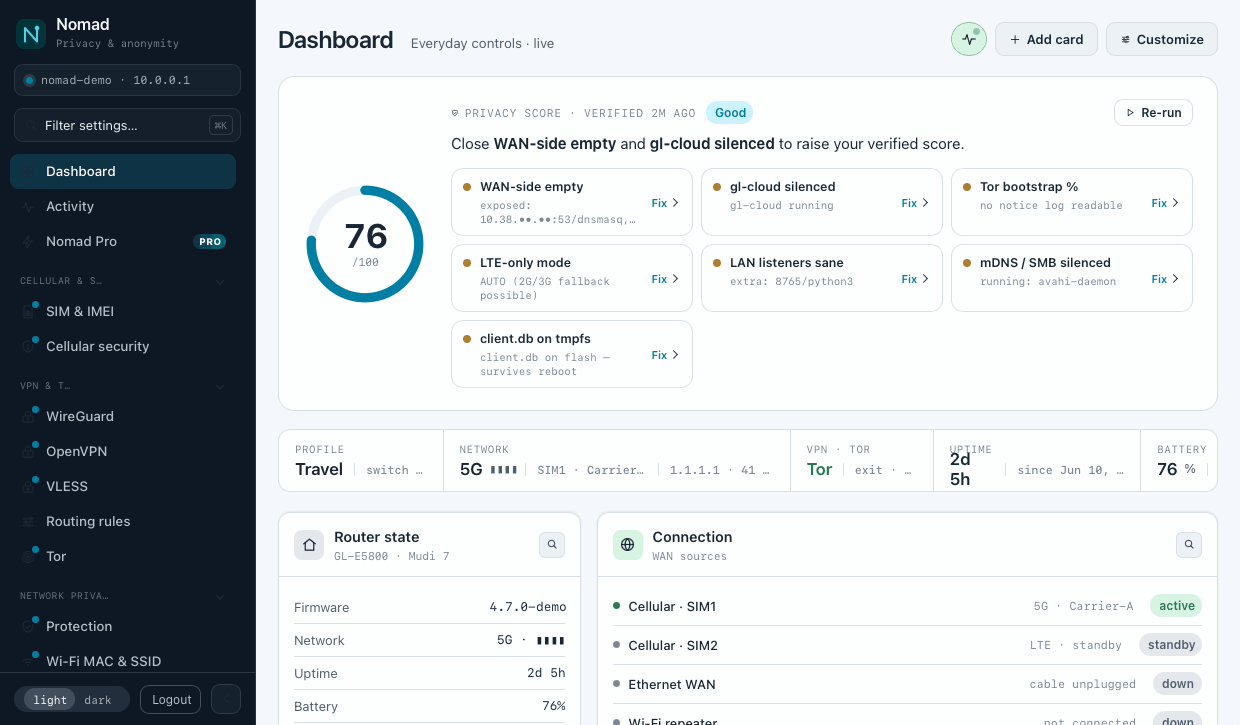
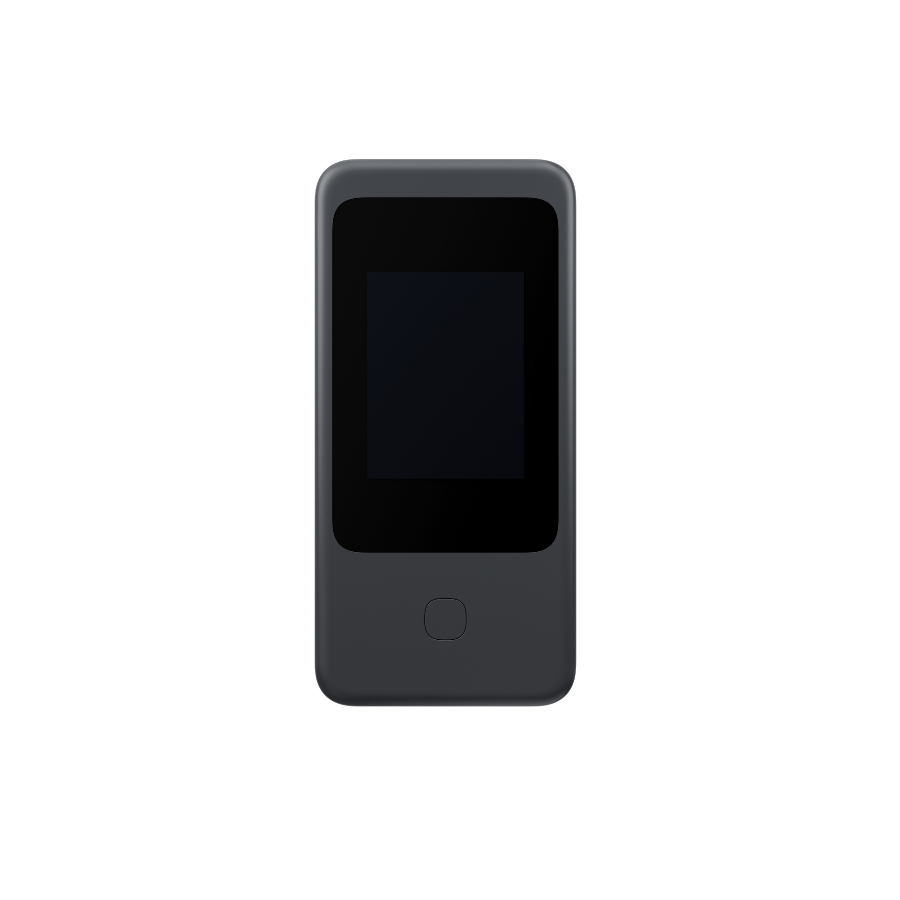
GL.iNet GL-E5800 “Mudi 7”
Verified reference platform. A 5G travel router with an LCD screen.
Other GL.iNet routers
Many OpenWrt models are compatible. Some features (BTS, LCD) depend on the hardware.
Base firmware: an OpenWrt-compatible GL.iNet build. The agent checks the version during install and warns if an update is needed.
Got a Pro key? Activate it after installing.